
Amelis
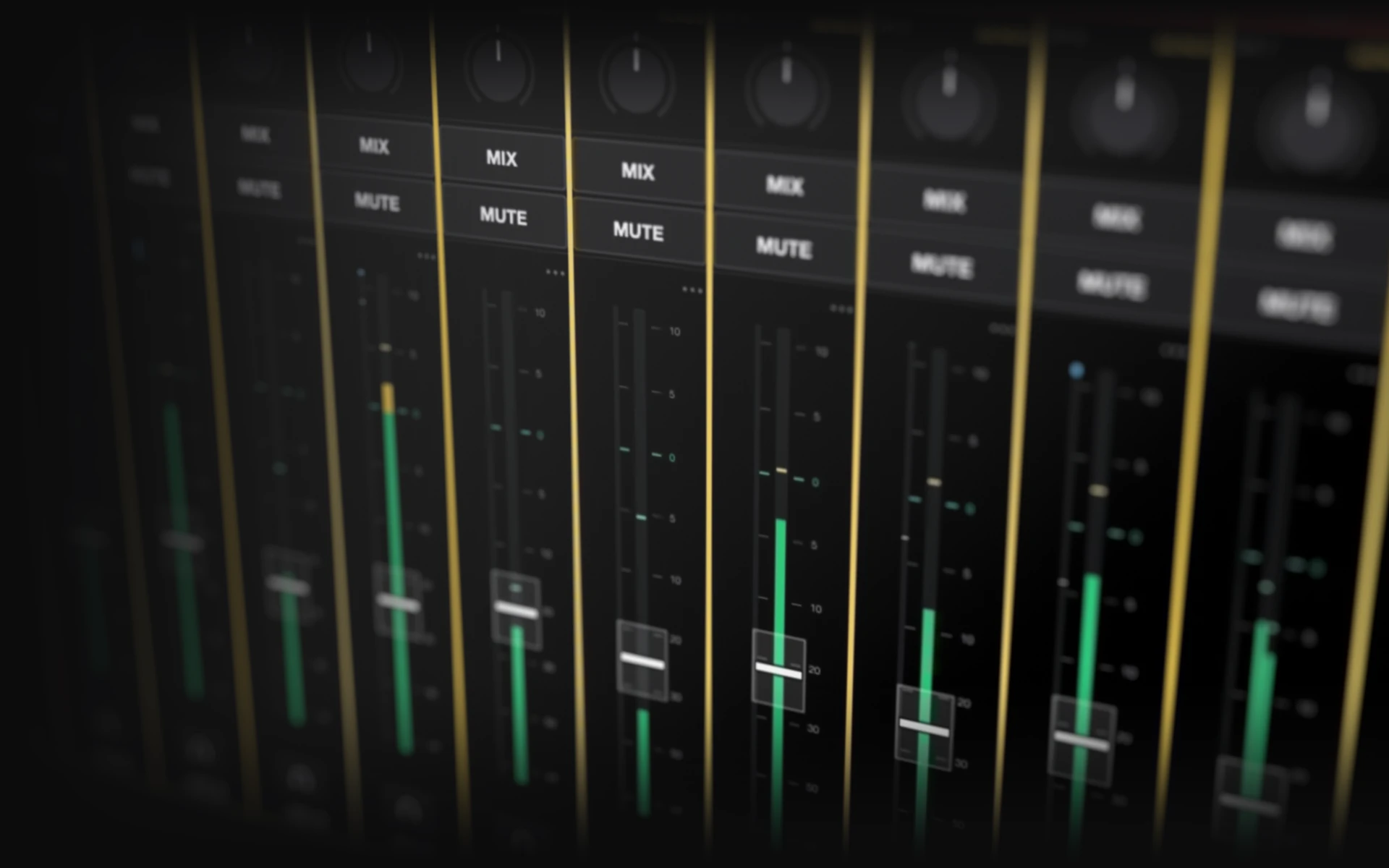
The console. It runs the mix, hosts your Waves plugins, records the show and works with any audio interface.
Console companions, personal monitor control and standalone crew communications.
The console. It runs the mix, hosts your Waves plugins, records the show and works with any audio interface.
Controls the console from a second Mac, with the mixer, channel, plugin and show pages.
Stem and click playback from a timeline into the console, recalling each song as the show reaches it.
Runs Director from a second Mac.
Network audio from another Mac into the console, for playback, click or a guest laptop.

Launches the apps and keeps them up to date.
Performers adjust their own monitor mix from a phone. Each phone is approved on the console.
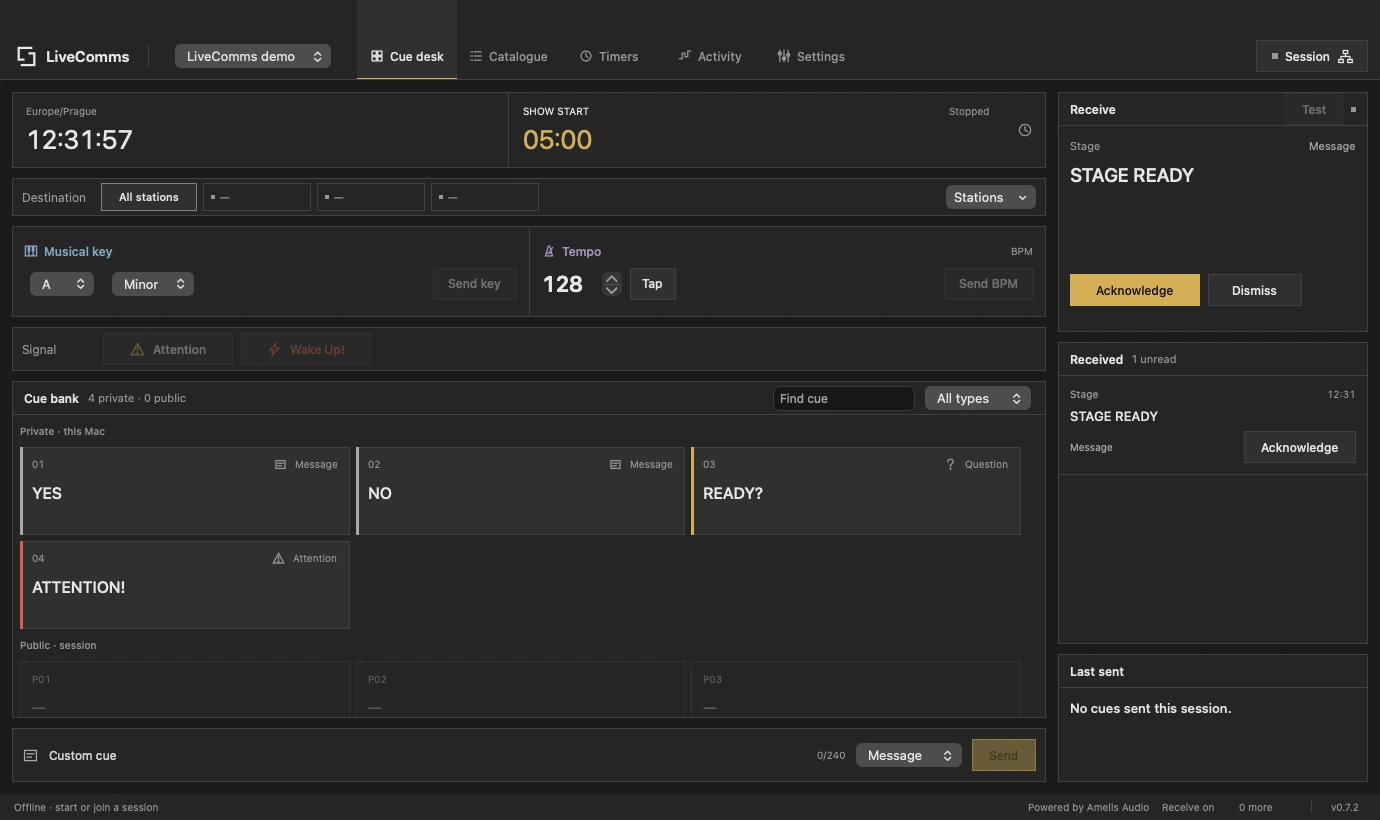
A standalone app for cues between FOH, stage management and playback. Send keys, tempo and messages, assign crew location tags, confirm delivery and acknowledgement, and follow shared show clocks over your local network.
Free public alpha. Released independently of Amelis.
Any wired audio interface your Mac supports, over USB, Thunderbolt or network audio such as Dante, AVB and AES67. Bluetooth and wireless devices are never used for the mix.
No. Amelis works with any audio interface. On a Behringer X32, Midas M32 or Behringer WING, gain, 48V and pad on the desk and its stageboxes are controlled from Amelis.
Every model: X32, X32 Compact, X32 Producer, X32 Rack; M32, M32 Live, M32R, M32R Live, M32C; WING, WING Compact, WING Rack. Their local inputs and AES50 stageboxes are supported too.
Waves, deeply integrated: up to eight on every channel and bus, with plugin windows inside the console and automatic delay compensation. Waves Tune Real-Time follows the key of each song in the setlist.
Yes. Amelis uses the Waves plugins and licences installed on your Mac.
Up to 64 inputs, with 16 groups, 16 auxes, 16 FX returns, 8 matrices, LR and Mono. Each show uses as many inputs as it needs.
None of its own. The only delay is your audio interface's buffer, and when a plugin adds delay, Amelis keeps every channel in time.
Yes. Multitrack recording of any inputs and buses plus a stereo mix, played back through the console for virtual soundcheck.
Yes. Amelis Send streams audio from another Mac on the network into the console, for playback, click or a guest laptop.
We recommend macOS Tahoe 26.6 or later.
No, a mouse and keyboard work fine. Amelis is designed for touch, though, and a touch monitor is the way we recommend using it. On a supported screen, several fingers work at once.
In show mode Amelis restarts itself in about two seconds and reopens where you left off. If your interface is an X32, M32 or WING, the desk can also be returned to standalone operation at any time.
Yes. Amelis Remote runs on a second Mac and controls the same console over the network.
Contact us for availability.